
- Version|0.0.3
- Step|1|Send Image via E-mail
- Desc|You can send patient images via E-mail.
Check images to attach then, click the Send E-mail on the bottom of the viewer area. - Desc|
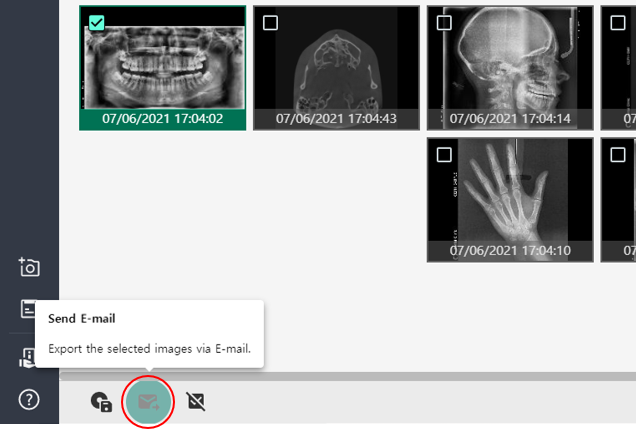
- Desc|You can send an E-mail with patient information being anonymized by enabling Privacy Policy Settings and selecting items to anonymize in the Settings.
* You must have already set your E-mail information in Settings to send an E-mail.
- Desc|You can send patient images via E-mail.
Send E-mail Print
Modified on: Mon, 12 Jul, 2021 at 2:45 PM
Did you find it helpful? Yes No
Send feedbackSorry we couldn't be helpful. Help us improve this article with your feedback.